

Cybersecurity is often seen as a technical problem for IT teams. Firewalls, servers, code, and complex systems,sounds intimidating, right? But here’s the truth many organizations learn the hard way: most cyber incidents start with non-technical staff.
A clicked phishing email.
A reused password.
An unsafe file download.
Cybersecurity is no longer just about technology, it’s about people.
This guide is written especially for non-technical staff. You don’t need an IT background, programming skills, or technical jargon to understand it. Think of cybersecurity like locking your house before leaving, simple actions that protect everything inside.
Let’s explore how a cybersecurity course designed for non-technical staff can be simple, practical, and extremely effective.
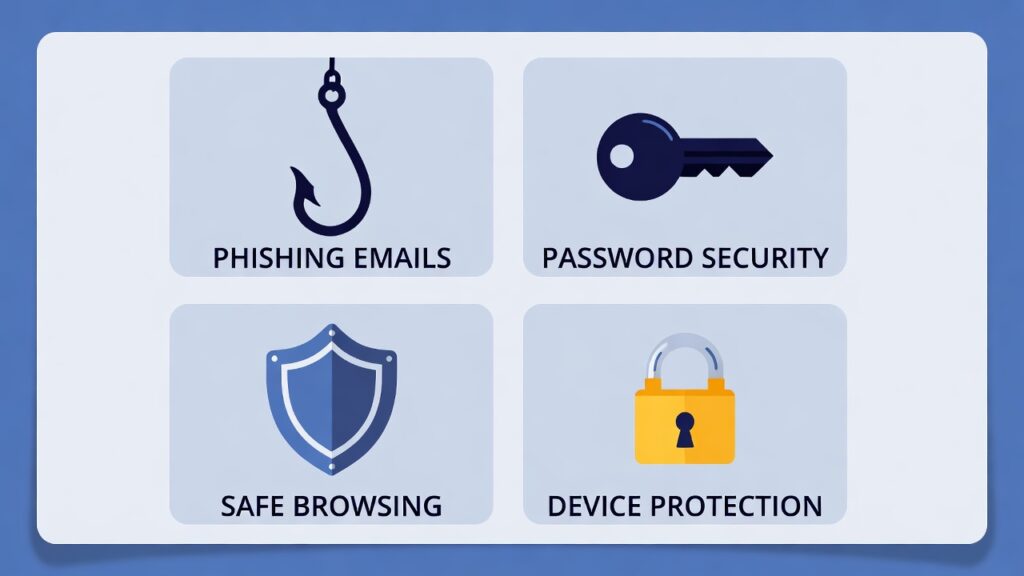
1. What Is Cybersecurity in Simple Terms
Cybersecurity means protecting computers, systems, and information from digital threats.
In simple words:
- Keeping your work files safe
- Protecting company data
- Avoiding scams and fake emails
- Preventing hackers from gaining access
Cybersecurity isn’t about coding, it’s about safe digital behavior.
2. Why Non-Technical Staff Are Critical to Cybersecurity
Non-technical staff interact with digital systems every day:
- Emails
- Shared documents
- Online tools
- Customer data
Hackers target people, not systems. Why? Because humans are easier to trick than machines.
That’s why non-technical staff are the first line of defense.
3. Common Cyber Myths Among Non-Technical Employees
Many people believe:
- “Cybersecurity is IT’s job”
- “Hackers only target big companies”
- “I don’t handle sensitive data”
In reality:
- Every employee affects security
- Small mistakes cause big breaches
- All data has value
A good cybersecurity course clears these myths early.
4. How Cyber Attacks Really Start
Most cyber attacks don’t begin with advanced hacking tools.
They start with:
- A fake email
- A suspicious link
- A downloaded attachment
- A phone call pretending to be IT
Cybercrime often looks normal and harmless.
Read related topic: Cybersecurity for Industrial Automation: Beginner-Friendly Guide
5. Phishing Explained Without Technical Jargon
Phishing is when attackers pretend to be someone you trust.
Examples:
- Fake bank emails
- “Urgent” messages from your boss
- Login reset requests
It’s like a stranger wearing a familiar uniform to gain trust.
Cybersecurity training teaches how to spot these red flags.
6. Password Safety for Everyday Users
Passwords are still one of the biggest security risks.
Simple rules:
- Don’t reuse passwords
- Avoid personal information
- Use long, unique passwords
- Enable multi-factor authentication
Good password habits protect both personal and company accounts.
7. Email, Attachments, and Link Safety
Email is the most common attack channel.
Non-technical staff should learn:
- How to check sender addresses
- Why unknown attachments are dangerous
- How to hover over links before clicking
- When to report suspicious emails
One careful click can stop a major incident.
8. Social Engineering: The Human Hack
Social engineering is when attackers manipulate people instead of systems.
Examples include:
- Fake IT support calls
- Urgent payment requests
- Emotional pressure tactics
Training helps staff pause, verify, and respond safely.
9. Safe Internet and Device Usage at Work
Non-technical cybersecurity courses teach:
- Safe browsing habits
- Avoiding unsafe websites
- Using company devices responsibly
- Keeping personal and work activities separate
Cybersecurity is about everyday choices.
10. Remote Work and Cybersecurity Risks
Remote work has increased cyber risks:
- Unsecured Wi-Fi networks
- Shared home devices
- Public internet access
Employees need clear, simple rules to stay safe outside the office.
11. Data Protection for Non-Technical Roles
Data protection isn’t just for IT.
Non-technical staff handle:
- Customer information
- Business documents
- Login credentials
Training explains:
- Why data matters
- How leaks happen
- How to handle information safely
12. Ransomware: What Employees Need to Know
Ransomware locks systems and demands payment.
For non-technical staff:
- It often starts with an email
- One click can spread infection
- Reporting early reduces damage
Understanding ransomware basics can save organizations millions.
13. Cybersecurity Mistakes to Avoid
Common mistakes include:
- Ignoring security updates
- Sharing passwords
- Using personal USB drives
- Clicking unknown links
A beginner-friendly course focuses on what not to do just as much as what to do.
14. What Makes a Cybersecurity Course Non-Technical Friendly
A good non-technical cybersecurity course should:
- Avoid technical jargon
- Use real-life examples
- Be short and engaging
- Focus on behavior, not tools
- Encourage questions
Learning should feel approachable, not intimidating.
15. Benefits of Cybersecurity Training for Non-IT Teams
Organizations benefit from:
- Fewer cyber incidents
- Reduced human error
- Stronger security culture
- Better compliance
- Increased employee confidence
According to guidance from trusted organizations like the National Institute of Standards and Technology (NIST), human awareness is a key pillar of cybersecurity.
16. How Safelora Makes Cybersecurity Easy for Everyone
Safelora focuses on simple, effective cybersecurity training designed for non-technical users (internal link).
Safelora’s approach includes:
- Beginner-friendly language
- Practical scenarios
- Short learning modules
- Real-world relevance
This helps employees learn faster and retain more.
17. Building a Cyber-Aware Workplace Culture
Cybersecurity works best when:
- Employees feel responsible
- Reporting is encouraged
- Mistakes are learning opportunities
- Security is part of daily work
Training turns cybersecurity from a rulebook into a shared habit.
18. Why Simple Cybersecurity Training Works Best
Complex training overwhelms non-technical staff.
Simple training:
- Improves participation
- Reduces fear
- Encourages safer behavior
- Creates lasting habits
Cybersecurity doesn’t need to be complicated to be effective.
Conclusion
A cybersecurity course for non-technical staff is one of the smartest investments any organization can make. Most cyber threats succeed because of lack of awareness, not lack of technology.
By using simple language, real-life examples, and practical guidance, non-technical employees become a powerful defense layer. Cybersecurity becomes part of everyday work, not a technical burden.
When people understand why security matters and how to stay safe, everyone wins.
Frequently Asked Questions (FAQs)
1. Is cybersecurity training necessary for non-technical staff?
Yes. Most cyber incidents start with human actions, not technical failures.
2. Can non-technical employees really prevent cyber attacks?
Absolutely. Awareness and safe behavior stop many attacks before they start.
3. How long does non-technical cybersecurity training take?
Effective courses are short, focused, and easy to complete.
4. Does cybersecurity training require IT knowledge?
No. Beginner courses are designed specifically for non-technical users.
5. Is online cybersecurity training effective for non-technical teams?
Yes. Online training is flexible, accessible, and easy to update.