

If you’re a developer, your code is your craft. But here’s a hard truth: even the most elegant code can become a liability if it’s not secure. Cyberattacks today don’t just target big corporations, they often start with small mistakes in everyday code. A weak password check, an exposed API key, or an unvalidated input can open the door to serious breaches.
Think of your application like a house. You may have beautiful interiors and smart features, but if the doors and windows are unlocked, anyone can walk in. Cybersecurity essentials for developers are those locks, alarms, and safety habits that protect your hard work and your users’ data.
This guide is written in simple language, with practical examples, for developers at any stage, students, professionals, freelancers, or startup teams. By the end, you’ll understand how to protect your code and data without drowning in complex security jargon.
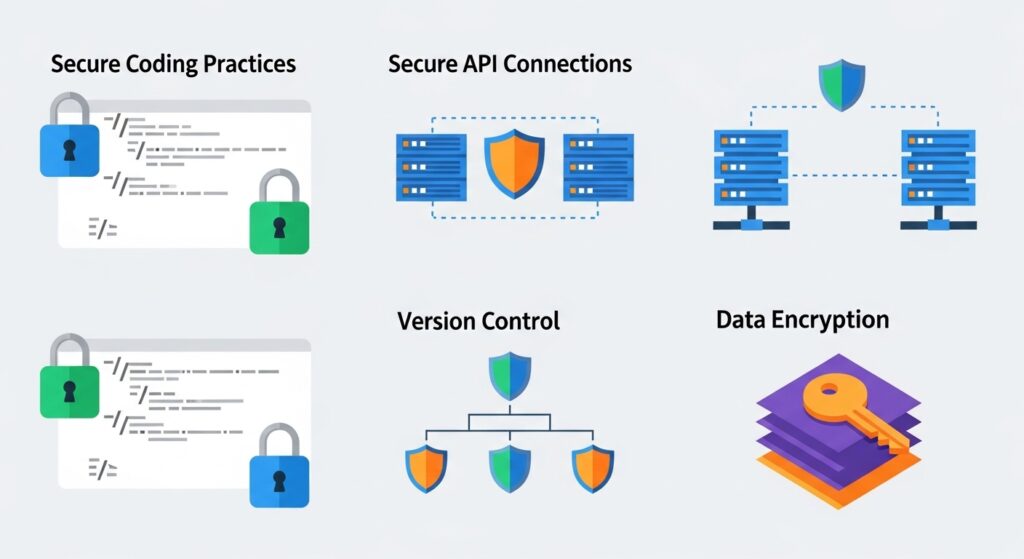
1. Why Cybersecurity Matters for Developers
Cybersecurity is no longer just the security team’s job. Developers shape how software behaves, how data flows, and how systems respond to unexpected input.
A single vulnerability can:
- Expose user data
- Damage brand trust
- Lead to financial and legal consequences
For developers, security is not about fear, it’s about responsibility. Every line of code you write has the potential to either protect or expose users.
2. Common Cyber Threats Developers Face
Understanding threats helps you write better code. Some of the most common risks include:
Malware and Ransomware
Malicious software that steals or locks data.
SQL Injection
Attackers insert harmful database commands through user input.
Cross-Site Scripting (XSS)
Hackers inject scripts into web pages viewed by other users.
Credential Theft
Weak authentication allows attackers to hijack accounts.
Insecure APIs
APIs without proper validation become easy entry points.
These threats sound scary, but the good news is that most are preventable with basic secure coding practices.
3. Understanding Secure Coding Basics
Secure coding is like defensive driving. You assume mistakes will happen and prepare for them.
Key secure coding principles include:
- Validate all user inputs
- Never trust external data
- Handle errors safely
- Use secure defaults
Instead of thinking, “This should work,” think, “What if someone tries to break this?”
4. Why Developers Are the First Line of Defense
Security tools are helpful, but they come after the code is written. Developers make early decisions that define the security posture of an application.
If insecure patterns are built in from the start, fixing them later becomes expensive and risky.
That’s why learning cybersecurity essentials for developers early saves time, money, and reputation.
5. Protecting Source Code and Repositories
Your source code is intellectual property, and a prime target.
Best practices include:
- Keep repositories private when needed
- Avoid hardcoding API keys or secrets
- Use environment variables
- Enable access control and audit logs
Even public repositories should never expose sensitive information.
6. Authentication and Authorization Made Simple
Authentication answers: Who are you?
Authorization answers: What can you do?
Key points developers should follow:
- Use strong password policies
- Implement multi-factor authentication
- Apply role-based access control
- Never roll your own crypto or auth logic
Simple, proven libraries are safer than custom solutions.
7. Securing APIs and Backend Services
APIs connect systems, but they also expose attack surfaces.
API security essentials:
- Validate all inputs
- Use authentication tokens
- Apply rate limiting
- Log and monitor access
A well-secured API is like a guarded bridge, only authorized traffic gets through.
For industry-standard guidance, developers often reference the OWASP Top 10, a widely trusted resource for understanding application security risks. You can explore it here.
8. Data Protection: Encryption and Storage
Data is the most valuable asset in most applications.
Developers should focus on:
- Encrypting data at rest
- Encrypting data in transit (HTTPS)
- Limiting data access
- Safely deleting unused data
Think of encryption like sealing a letter in an envelope instead of writing secrets on a postcard.
9. Frontend Security Essentials
Frontend code runs in users’ browsers, which means attackers can see and manipulate it.
Important frontend practices:
- Never trust client-side validation alone
- Protect against XSS attacks
- Secure cookies and sessions
- Avoid exposing sensitive logic
Frontend security works best when paired with strong backend validation.
10. DevOps and Security: Working Together
Modern development moves fast. DevOps pipelines automate builds and deployments, but speed without security is risky.
Security in DevOps includes:
- Secure CI/CD pipelines
- Automated security checks
- Controlled access to deployment tools
- Regular dependency updates
This approach is often called DevSecOps, where security is part of every step.
11. Secure Development Lifecycle (SDLC)
Security should not be an afterthought.
A secure development lifecycle includes:
- Planning with security in mind
- Writing secure code
- Testing for vulnerabilities
- Deploying safely
- Monitoring continuously
When security is built in from the beginning, it feels natural instead of burdensome.
12. Tools Every Developer Should Know
You don’t need dozens of tools, just the right ones.
Helpful security tools include:
- Static code analysis tools
- Dependency vulnerability scanners
- Secret detection tools
- Logging and monitoring platforms
Tools support good habits, but they don’t replace understanding.
13. Learning Cybersecurity the Practical Way
Many developers avoid security because it feels overwhelming. The key is learning it in small, practical steps.
Instead of theory-heavy courses, focus on:
- Real-world examples
- Hands-on labs
- Short learning modules
- Practical scenarios
This approach builds confidence without slowing you down.
14. How Safelora Supports Secure Development
If you want to build secure applications without wasting time, learning from the right platform matters.
Safelora focuses on practical, developer-friendly cybersecurity education designed for real-world use cases. Whether you’re protecting APIs, securing code, or understanding attack patterns, Safelora helps developers learn security the smart way.
You can explore more resources directly on their platform here: Introductory Cybersecurity Course Online for Beginners in the USA
15. Future-Proofing Your Skills in Cybersecurity
Cybersecurity is not a one-time lesson—it’s a mindset.
Developers who understand security:
- Write better code
- Earn more trust
- Advance faster in their careers
As threats evolve, secure development skills will remain in demand across every industry.
Conclusion
Cybersecurity essentials for developers are not about becoming a security expert overnight. They’re about adopting safer habits, understanding common risks, and making smarter coding decisions every day.
Just like wearing a seatbelt doesn’t make you a race car driver, but it does save lives, secure coding doesn’t slow you down. It protects your work, your users, and your future as a developer.
Start small, stay consistent, and let security become part of how you think about code.
Frequently Asked Questions (FAQs)
1. Do developers really need to learn cybersecurity?
Yes. Developers create the foundation of applications, and most vulnerabilities start in code.
2. Is cybersecurity only for backend developers?
No. Frontend, mobile, and full-stack developers all play a role in protecting applications.
3. Can beginners learn cybersecurity without advanced knowledge?
Absolutely. Starting with fundamentals and practical examples makes learning easier.
4. Are secure coding practices expensive to implement?
Most secure practices cost nothing, just better habits and awareness.
5. How can developers stay updated on security threats?
Follow trusted resources, practice regularly, and use platforms like Safelora to learn continuously.