

The internet makes life easier, but it also makes life riskier. From online banking and shopping to social media and remote work, we share more personal information online than ever before. And here’s the uncomfortable truth: cybercriminals don’t target experts only, they target beginners.
If you’ve ever thought, “I’m not technical, so cybersecurity isn’t for me,” this article is for you. Basic cybersecurity training for beginners is not about hacking, coding, or complex systems. It’s about learning how to stay safe online, avoid scams, and protect your personal information, quickly and confidently.
Think of cybersecurity like learning basic self-defense. You don’t need to be a martial artist; you just need to know how to avoid danger and react smartly. This guide is written in simple English, with real-life examples, analogies, and practical tips so anyone can understand and apply them.
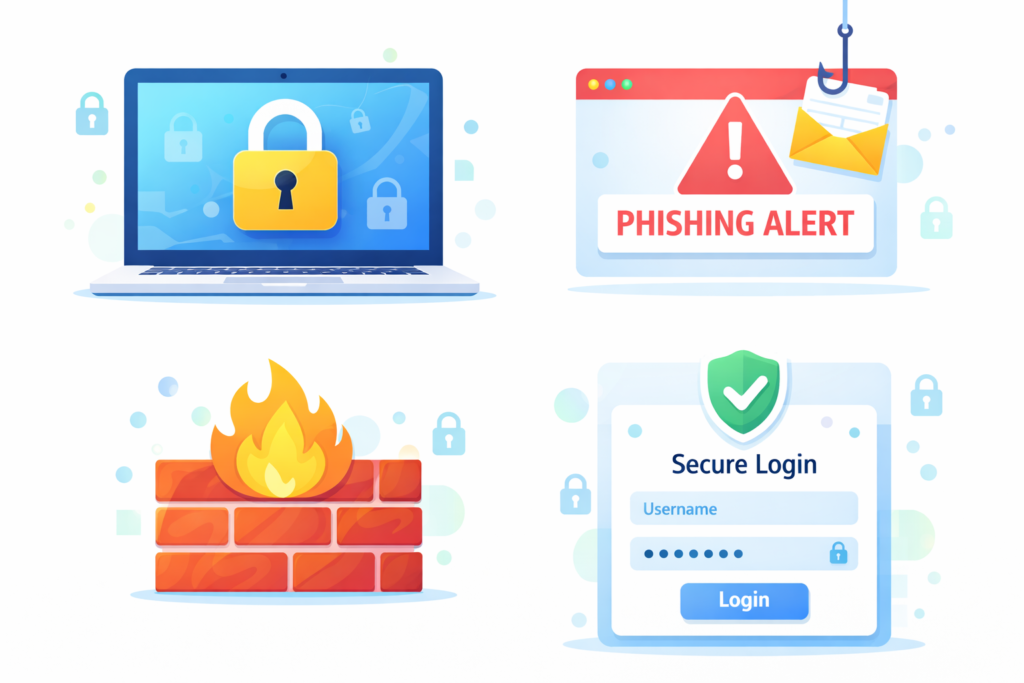
1. What Is Basic Cybersecurity Training
Basic cybersecurity training teaches beginners how to protect themselves online using simple habits and awareness. It focuses on prevention, not technical complexity.
Instead of complicated tools, it teaches:
- How cyber attacks happen
- How to recognize danger online
- How to protect devices and accounts
- How to avoid common mistakes
Think of it as learning digital hygiene, small daily habits that keep you safe.
2. Why Beginners Are the Biggest Targets
Cybercriminals love beginners. Why? Because beginners:
- Reuse passwords
- Click links without checking
- Trust messages too easily
- Don’t update devices
Hackers don’t break down doors, they look for unlocked windows. Basic training helps you close those windows before someone climbs in.
3. What You Learn in Basic Cybersecurity Training
A beginner-friendly cybersecurity course usually covers:
- Cyber threat awareness
- Password best practices
- Email and scam detection
- Safe browsing habits
- Device and network security
- Privacy protection
The goal is not to overwhelm you, but to help you learn fast and apply immediately.
4. Common Online Threats Explained Simply
Let’s break down threats in plain language:
- Malware – Harmful software that damages or spies on your device
- Viruses – Programs that spread and slow down systems
- Phishing – Fake emails or messages pretending to be real
- Ransomware – Attacks that lock your files for money
Basic cybersecurity training explains these with examples you’ve probably already seen.
5. Understanding Hackers Without Fear
Not all hackers are movie villains typing in dark rooms. Many are simply people exploiting human mistakes.
They rely on:
- Curiosity
- Fear
- Urgency
- Trust
Training helps you recognize these emotional tricks. Once you understand them, hackers lose most of their power.
6. Password Safety: The First Skill to Learn
Passwords are your digital keys. Weak passwords are like hiding a key under the doormat.
Beginner training teaches:
- How to create strong passwords
- Why long passwords matter
- Why reusing passwords is dangerous
- How password managers help
- How two-factor authentication adds protection
This one skill alone can block most attacks.
7. Email Safety and Scam Awareness
Email is the most common attack method. Why? Because it works.
Basic training helps you:
- Identify fake emails
- Check sender addresses
- Avoid suspicious attachments
- Recognize urgent scam messages
If a message pressures you to act fast, pause. That pause can save your money and data.
8. Social Media Security for Beginners
Social media oversharing is like telling strangers your routine.
Cybersecurity training explains:
- Privacy settings on platforms
- Fake profiles and impersonation
- Dangerous quizzes and links
- How attackers collect personal data
Being social online doesn’t mean being careless.
9. Safe Browsing and Website Awareness
Not all websites are safe, even if they look professional.
You’ll learn:
- How to identify secure websites
- Why “https” matters
- How fake websites mimic real ones
- Why pop-ups are dangerous
Safe browsing is like checking road signs before driving ahead.
10. Mobile Phone Security Basics
Your phone holds more personal data than your laptop.
Basic cybersecurity training covers:
- Screen locks and biometrics
- App permissions
- Fake apps
- SMS scams
- Phone updates
A secured phone means a secured digital life.
11. Wi-Fi and Home Network Safety
Using open Wi-Fi is like talking loudly about secrets in public.
Training teaches:
- Risks of public Wi-Fi
- How to secure home routers
- Why default passwords are dangerous
- Basic firewall and antivirus use
Small steps make a big difference.
12. Online Privacy and Personal Data Protection
Your data is valuable, even when you think it’s not.
Beginner training explains:
- How companies collect data
- Tracking and cookies
- Location sharing risks
- Privacy settings
It often aligns with guidance from trusted authorities like the Cybersecurity & Infrastructure Security Agency (CISA), a globally recognized external cybersecurity resource.
13. How Basic Cybersecurity Training Works Online
Most online beginner programs include:
- Short videos
- Simple explanations
- Real-life examples
- Quick quizzes
- Practical tips
You learn step by step, without pressure.
14. How Fast Can Beginners Learn Cybersecurity
Here’s the good news: you can learn the basics fast.
Most beginners:
- Understand core concepts in days
- Build habits in weeks
- Feel confident within a month
Cybersecurity is not about speed, it’s about consistency.
15. How to Choose the Right Beginner Training
Look for training that offers:
- Simple language
- Beginner focus
- Real-world examples
- Updated content
- No technical prerequisites
Avoid programs that feel confusing or intimidating.
16. Benefits of Learning Cybersecurity Early
Learning early helps you:
- Avoid scams and fraud
- Protect family members
- Build digital confidence
- Save time and money
- Reduce stress
Cybersecurity knowledge is a life skill, not just a tech skill.
17. How Safelora Helps Beginners Stay Safe
Platforms like Safelora focus on beginner-friendly cybersecurity education designed for real people, not IT professionals.
Safelora emphasizes:
- Clear explanations
- Practical learning
- Real-world safety
- Easy online access
Explore related topic on Cybersecurity Fundamentals Online Course: A Complete Beginner’s Guide.
18. The Future of Cybersecurity for Everyday Users
Cybersecurity is becoming as essential as reading or driving.
In the future:
- Digital safety will be a basic requirement
- Online threats will increase
- Awareness will matter more than tools
Those who learn now will always stay ahead.
Conclusion
Basic cybersecurity training for beginners is no longer optional, it’s necessary. You don’t need technical skills, expensive software, or years of study. You just need awareness, smart habits, and the willingness to learn.
Just like washing your hands prevents illness, basic cybersecurity habits prevent digital disasters. Learn fast, stay alert, and stay safe online.
Your digital safety starts with one simple step, education.
Frequently Asked Questions (FAQs)
1. Is basic cybersecurity training suitable for non-technical people?
Yes, it is designed specifically for beginners with no technical background.
2. How long does it take to learn basic cybersecurity?
Most people understand the basics within a few days to a few weeks.
3. Do I need special software for cybersecurity training?
No, most training focuses on habits and awareness, not tools.
4. Can basic cybersecurity training really prevent scams?
Yes, awareness dramatically reduces the risk of falling for scams.
5. Is online cybersecurity training effective for beginners?
Absolutely. Online training is flexible, practical, and beginner-friendly.